

Settings -> Notifications controls notifications for enabled Kamili One apps.
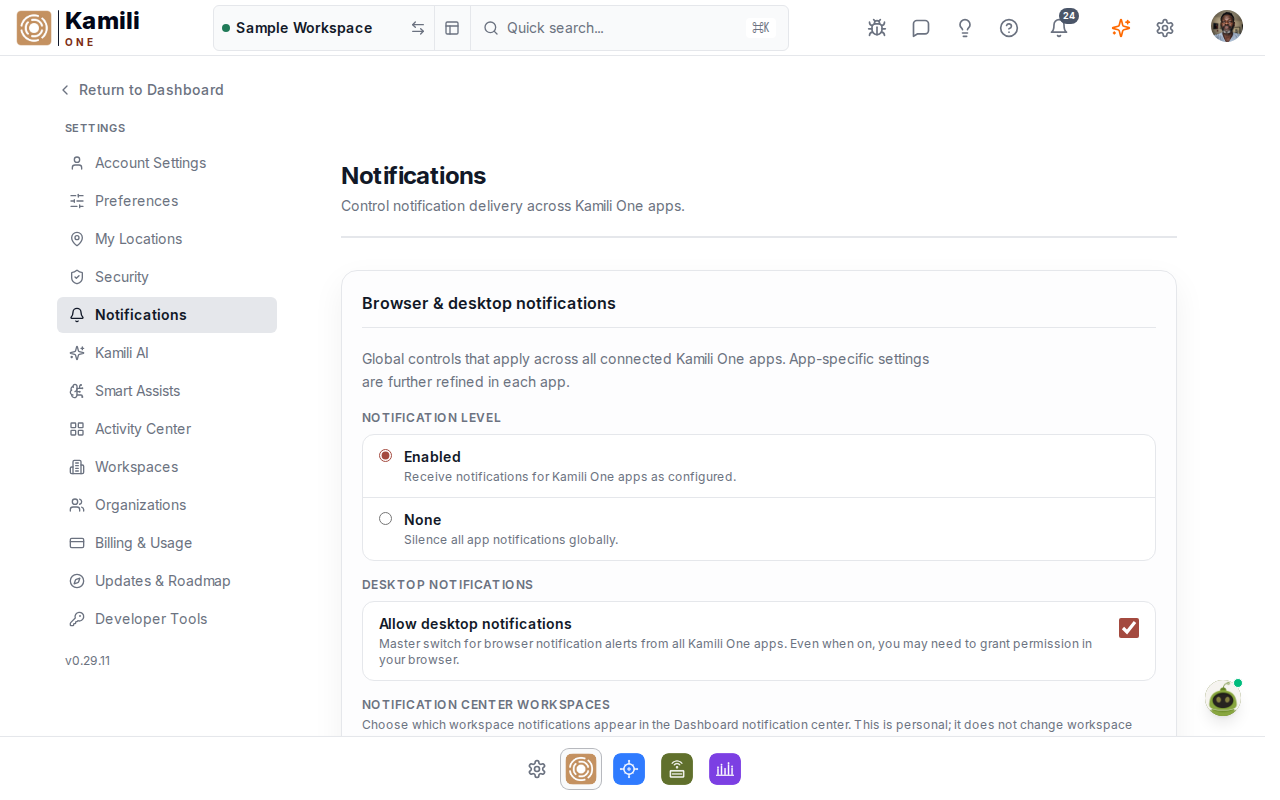
The global notification state is:
- Enabled — receive notifications for Kamili One apps as configured.
- None — all app checkboxes are unchecked and disabled.
When Enabled is selected, app checkboxes are checked automatically. You can then turn off individual enabled apps if you do not want notifications from them.
The notifications view presents toggles for your active workspace apps and marketing communications, allowing fine-grained control over alert channels and delivery.