

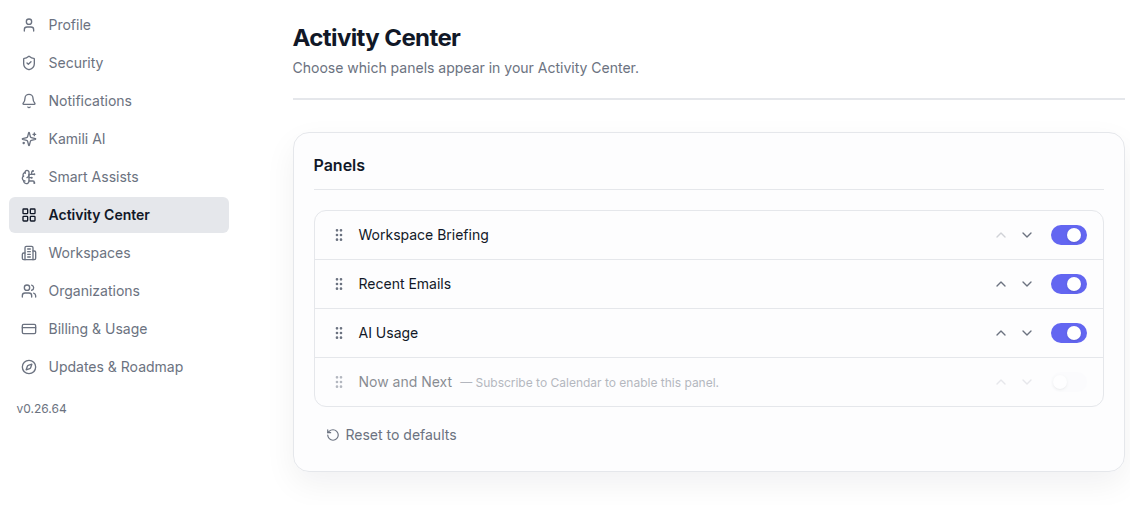
Settings -> Activity Center lets you choose which panels appear in your Activity Center.
Recent Emails does not require a Mail subscription toggle. It requires connected email accounts. If no mail accounts are connected, Kamili One should explain that clearly. When accounts are connected, you can choose which accounts appear and set the maximum number of recent emails. The Recent Emails panel scrolls when there are more records than fit comfortably.
The Now and Next panel combines upcoming Calendar events and scheduled Tasks into a unified view. You can customize which panels are displayed based on your daily workflow needs.